PRACTICAL ORIENTATION / 6 MIN READStart with the essentials, then use the checklist to keep each desktop session intentional. The goal is not speed—it is confidence in what you are viewing and approving.
02 / 11
Preparing Your Workspace
Start with a computer you control, a trusted internet connection, and enough time to read each prompt without rushing. Keep your device nearby and make sure its battery or cable connection is reliable. Download software only from a source you have independently verified; avoid links in unsolicited messages, search ads, or pop-ups. Close unrelated windows that could distract you and never share recovery words with a website, support agent, or desktop app.
04 / 11
Connecting a Device
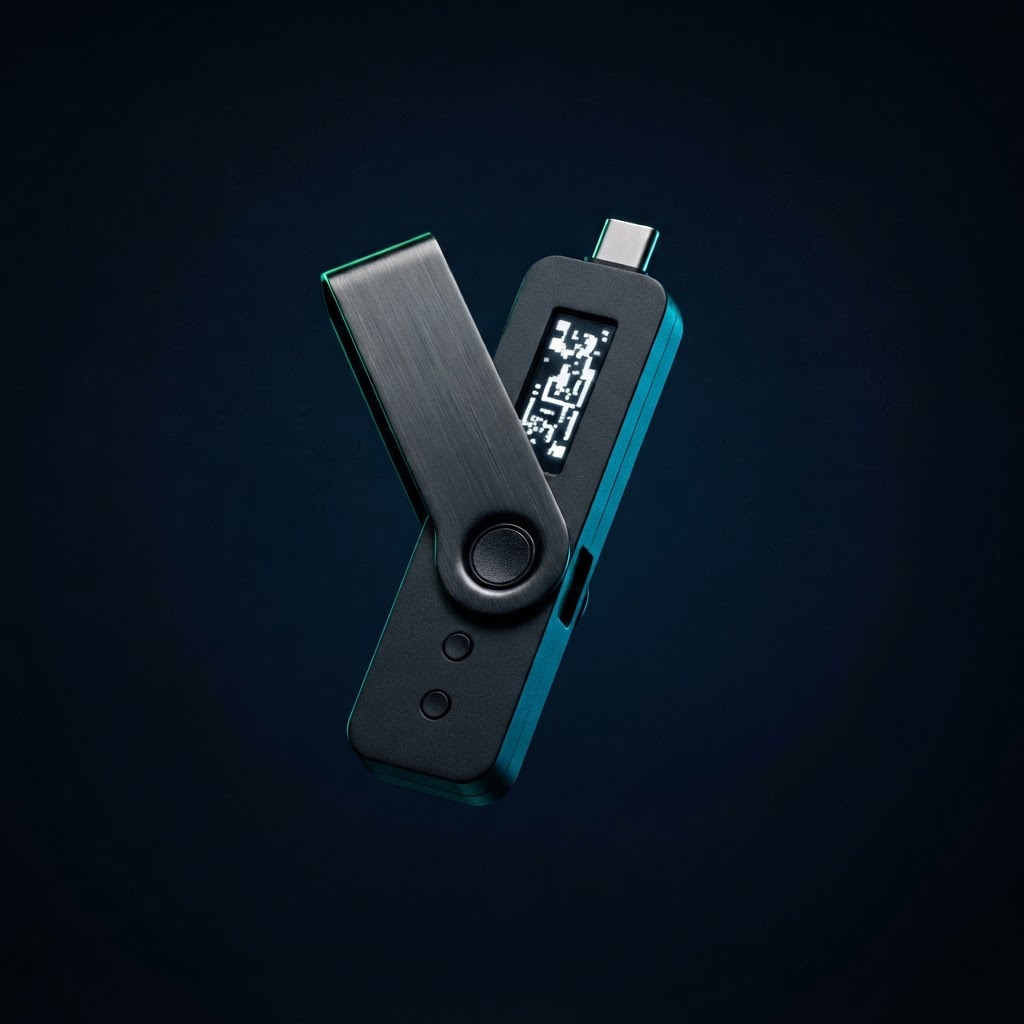
Connect your hardware wallet with a supported cable or connection method, then unlock it locally. Confirm prompts on the physical device, not merely on the computer screen. A desktop app can display information, but the device is where you independently approve sensitive actions. If a connection fails, try a known-good cable or port, reconnect once, and consult current vendor troubleshooting guidance rather than installing unofficial utilities.
05 / 11
Exploring the Desktop Interface
Most wallet companion apps group key tasks into areas such as portfolio, accounts, activity, and settings. Take a few minutes to locate account selection, network or asset context, and transaction history before making changes. Treat balances shown on screen as interface data to review, not as a guarantee of market value or transfer availability. Keep the window updated and use system accessibility controls to improve readability.
07 / 11
Security Workflow
Pause before every sensitive action. Verify the application source, review the requested account and network, and compare the recipient address on the computer with the address displayed on the hardware device. Approve only when the details match your intent. Protect your recovery phrase offline and never photograph, type, email, or paste it into a computer. No legitimate guide needs your phrase, PIN, or device passphrase.
08 / 11
Updates and Maintenance
Updates can refresh app compatibility and security fixes, but treat update prompts with the same care as installation. Check that the prompt comes from the application you intentionally opened and that your device is connected as instructed. Back up access information safely before maintenance, without digitizing recovery words. Keep your operating system current, remove software you do not recognize, and revisit official support resources when version-specific steps matter.
09 / 11
Common Beginner Mistakes
Common missteps include rushing through network selection, trusting a search-result download button, approving a transaction without checking the device screen, and confusing an account balance with funds available for every action. Another risky habit is asking a stranger to “validate” a recovery phrase. Stop if a message creates urgency, requests secret words, or offers remote access. Verify independently and use small, deliberate steps.